Projects
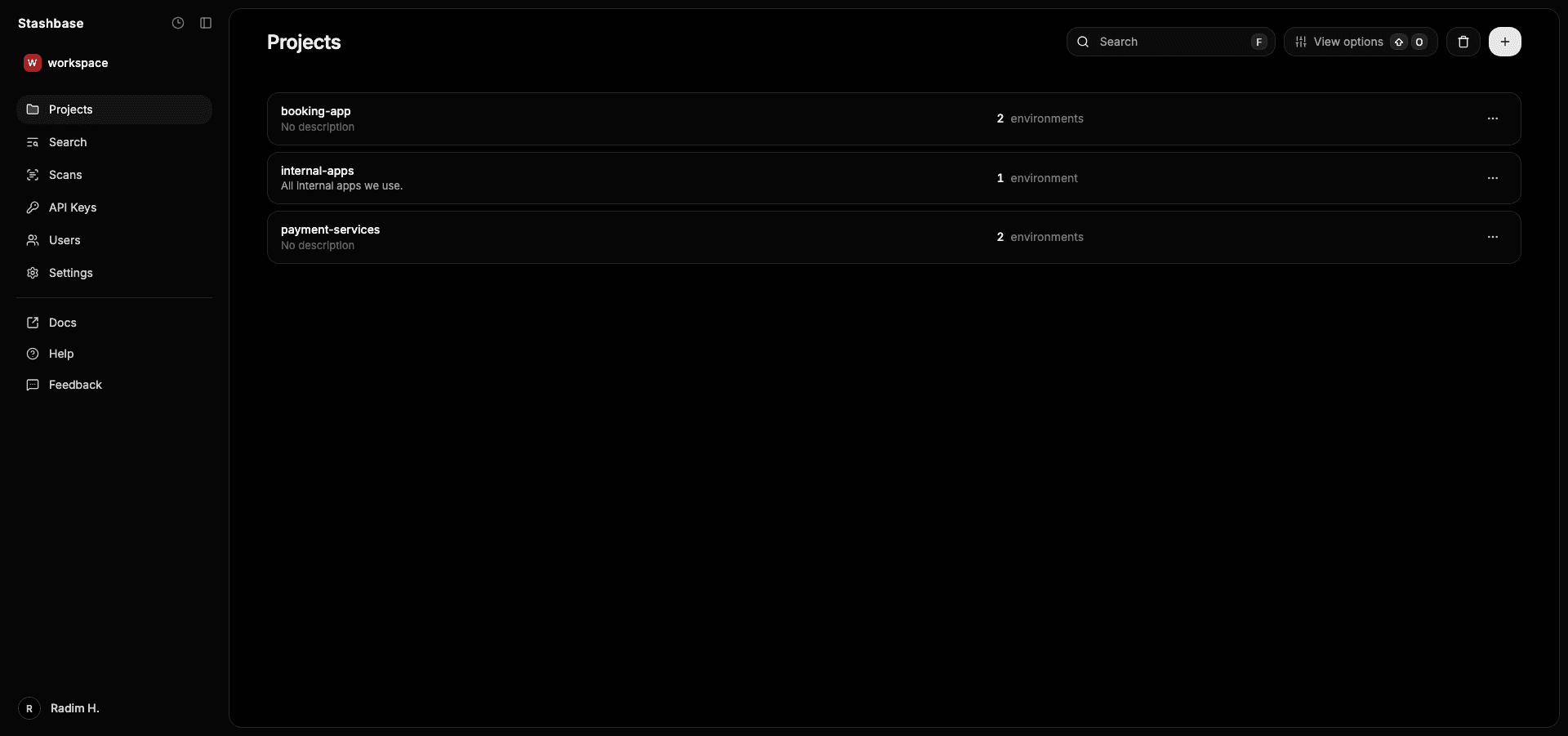
Overview of Stashbase projects
A project is a container for multiple environments and it's secrets. Every project must have unique name and optionally can have a description.
Access control
Each user or team can be granted with an access to a project. There are three types of project access: viewer, editor and admin.
Viewer has read-only access to project, environments and secrets. Editor can read and edit environment's secrets. Admin has full access to the selected project, its environments and secrets (can delete and create environments or delete the project).
Deleting a project
When you delete a project in Stashbase, the deletion behavior depends on whether the project contains any environments or resources.
Soft deletion
Projects are soft-deleted (and can be restored) if:
- The project contains at least one environment with resources (e.g., secret changes, webhooks, integrations, or environemnt accounts).
- The project has any deleted environments that still contain resources, which could be restored later.
This ensures no critical data is lost accidentally and provides a safety net for recovery. Those projects can be restored within 30 days from teh dashboard.
Hard (permanent) deletion
Projects are permanently deleted (hard delete) if:
- They have no environments, or only environments that are empty (no secrets or other resources).
- The project may still have users or service accounts — but if there are no stored resources, it will be deleted fully.
This keeps your workspace clean by fully removing empty or unused projects. Users and service accounts do not prevent deletion. If a project is otherwise empty, it will be deleted regardless of member access.