Getting started
Get started with our official SDKs.
Stahsbase offers official SDKs for your applications. You can use our official SDKs however you like but SDKs are especially useful for running your apps in production (we will see later).
There are two main APIs and each of them has its own SDK client:
Environment APIWorkspace API
Environment API
When using Environment API, you get access only to selected environment and its secrets (based on selected permisssion). Environment API is only accessible to Environment Accounts and its API Key.
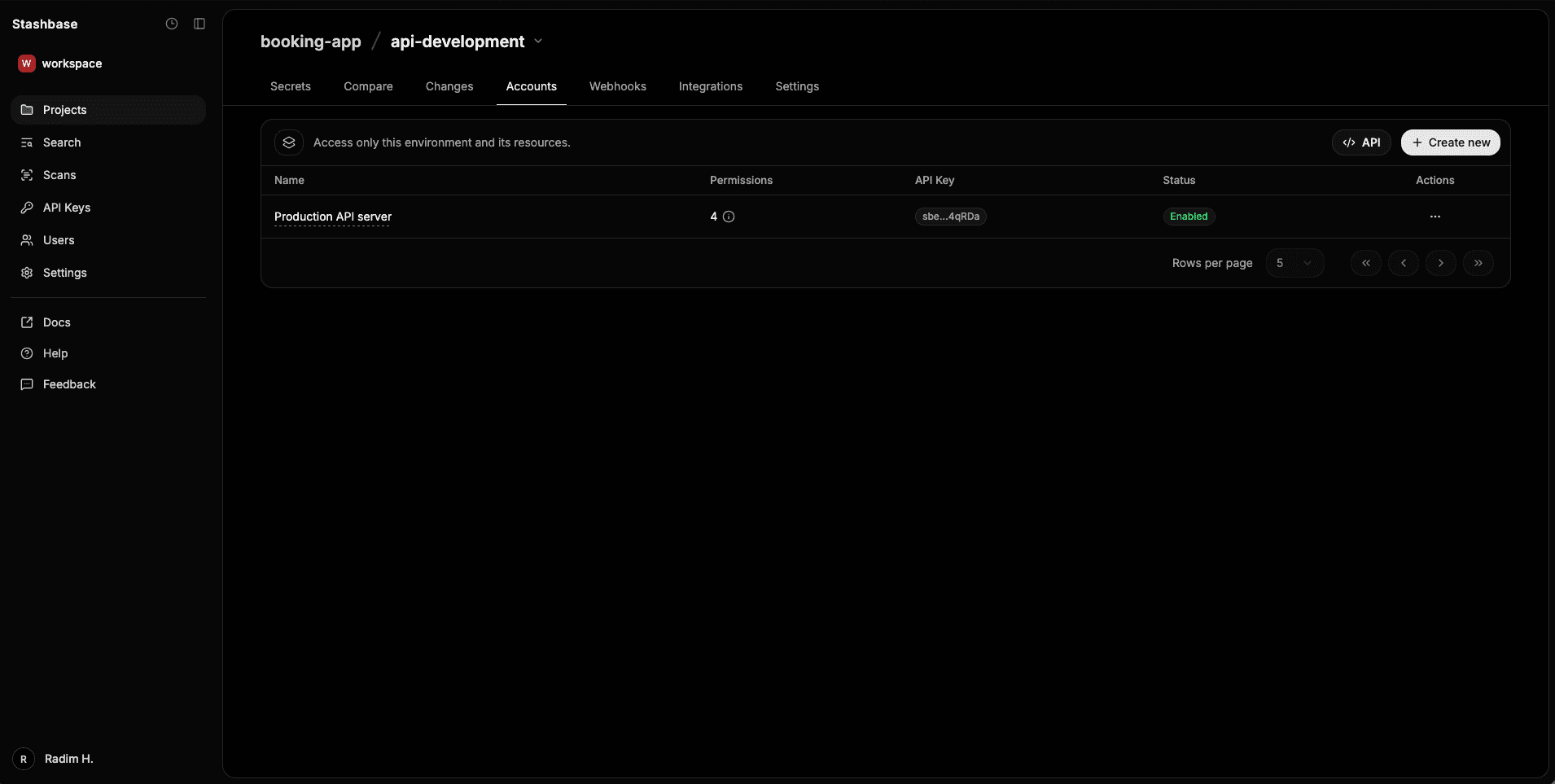
You can create Environment Account from environment dashboard page going to Accounts tab.
Each environment account have exactly one API Key that is generated automatically.
Each Environment account can can own expiration date or can be created without expiration. This API is particularly useful for running your apps in production because with our official SDKs you can run load your environment and inject the secrets as environment variabled wih just 2 lines of code.
Permissions
When you create Environment Account, you can select which permissions you want. By default the generated API Key will have read-only permisssion to the
selected basic environment data, like name, created timestamp, and so on.
For secrets you can select one of the following permissions:
read- only read accesswrite- write access (create, update)delete- delete access
For webhooks you can select one of the following permissions:
read- only read accesstest- send test webhookcreate- create accessupdate- update accessdelete- delete access
You can also add scan related permissions to the API Key:
scan- allows trigger scan requests via API
Workspace API
With Workspace API you can manage your projects and environments in the selected workspace. You can create either user personal API Key or service API Key.
Admin or Owner can create Service API Key.